

1.What is FTTH?
Telecommunication operators deploy fiber optic cables to a neighborhood cabinet or local distribution point. The fiber is then distributed into each building. Finally, using drop cables and fiber access terminals (or terminal boxes), the connection is extended to each household, providing users with internet access, IPTV, and other network services.
SoctFiber supports this advancement by offering free samples of its FTTH products, with customers only required to cover shipping costs. The provided FTTH solutions ensure low signal loss, stable connectivity, and easy installation and maintenance, making them ideal for high-demand applications such as 8K video streaming, online gaming, cloud computing, remote work, and the Internet of Things (IoT).
This article will introduce a simple guide to fiber optic network deployment from OLT to ONT.
FTTH networks use Passive Optical Network (PON) architecture, which consists of three main components:
- OLT (Optical Line Terminal)
- ODN (Optical Distribution Network)
- ONT/ONU (Optical Network Terminal/Unit)
This guide provides a detailed analysis of key FTTH components and their technical parameters, helping network engineers to plan, deploy, and optimize FTTH networks efficiently. including:
- Fiber Optical Cable
- Drop Cable
- Fiber Termination Box
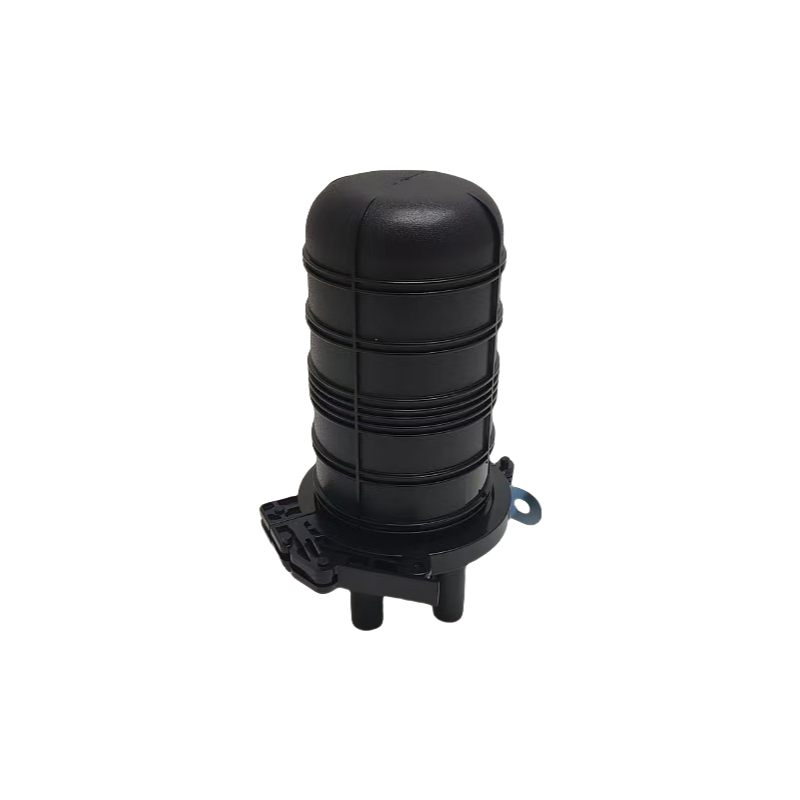
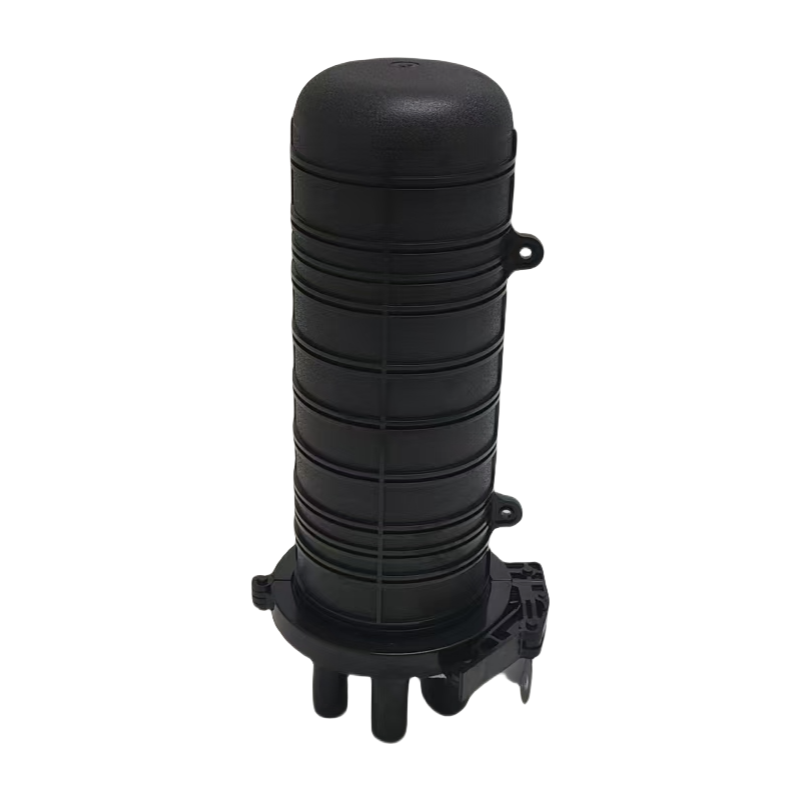
- Fiber Optic Splice Closure
- Fiber Optic Patch Cord
- Optical Splitters
- Fiber Distribution Cabinet
- Fiber Optic Fast Connector
- Optical Distribution Frame
- Optical Transceivers
- OLT
- ONU
2.FTTH Network Architecture
FTTH networks are divided into three major sections based on signal transmission pathways:
- Central Office (CO): The core network control center that houses OLTs, optical transceivers, and optical distribution frames (ODFs).
- Optical Distribution Network (ODN):The intermediate transmission link consisting of fiber optic cables, optical splitters, and fiber distribution cabinets.
- Customer Premises Equipment (CPE): The end-user equipment, including ONTs, Wi-Fi routers, and home gateways.
3.Central Office Equipment
In the Central Office (CO), key equipment such as OLT (Optical Line Terminal), Optical Transceivers (SFP+/XFP), and ODF (Optical Distribution Frame) work together to ensure efficient fiber optic network deployment. These components play crucial roles in managing fiber connections, enabling high-speed data transmission, and maintaining network reliability.
3.1 OLT (Optical Line Terminal)
OLT is the core equipment in the CO, responsible for connecting the core network (IP/MPLS, Metro Network) and the Optical Distribution Network (ODN). It manages ONU/ONT (Optical Network Units) via PON (Passive Optical Network) ports. The key functions of an OLT include:
- Uplink Transmission: Sending data to the core network
- Downlink Distribution: Transmitting optical signals to end-users
- Traffic Scheduling & Bandwidth Management
- Support for GPON, XGS-PON, EPON, and 10G EPON technologies
Installation:
1.Rack Mounting: Install the OLT in a 19-inch standard rack in the CO.
2.Uplink Connection:
- Connect 10GE/25GE/100GE ports to core routers/switches in the CO.
- Use MPLS/IP switches to transmit data to the metro network.
3.PON Port Connection:
- Insert GPON/XGS-PON Optical Transceivers (SFP+/XFP).
- Connect fibers to the ODF, which then links to the Optical Splitter and ODN.
Typical OLT Equipment and Specifications
| Brand | Model | PON Ports | Uplink Interface | Supported Technologies |
| Huawei | MA5800-X17 | 16 PON | 10GE/40GE | GPOM/XG-PON.XGS-PON |
| ZTE | C600 | 8/16/32 PON | 10GE | GPON/XG-PON |
| FiberHome | AN6000 | 16 PON | 10GE | GPON/XGS-PON |
3.2 Optical Transceivers (SFP/XFP/XGS-PON)
Optical Transceivers (SFP+/XFP/QSFP) are core components of the OLT, enabling optical signal transmission and reception between the OLT and ODN.
Common Types:
- GPON SFP+: 2.5G Downstream / 1.25G Upstream
- XGS-PON SFP+: 10G Symmetric/Asymmetric Transmission
- 25G/100G SFP/QSFP: Used for uplink connections to the metro/core network
Installation:
- Choose the correct transceiver (GPON/XGS-PON/25G/100G SFP).
- Insert it into the OLT’s PON port.
- Connect the fiber:
1.PON port → ODF → ODN
2.Uplink port → Core Switch in CO
Common Optical Transceiver Models
| Model | Speed | Transmission Distance | Wavelength (Up/Down) | Applicable Equipment |
| GPON-ONU-SFP | 2.5G/1.25G | 20km | 1310nm /1490nm | OLT/ONT |
| XG-PON SFP+ | 10G/2.5G | 20km | 1270nm /1577nm | XG-PON OLT/ONT |
| XGS-PON SFP+ | 10G/10G | 20km | 1270nm /1577nm | XGS-PON OLT/ONT |
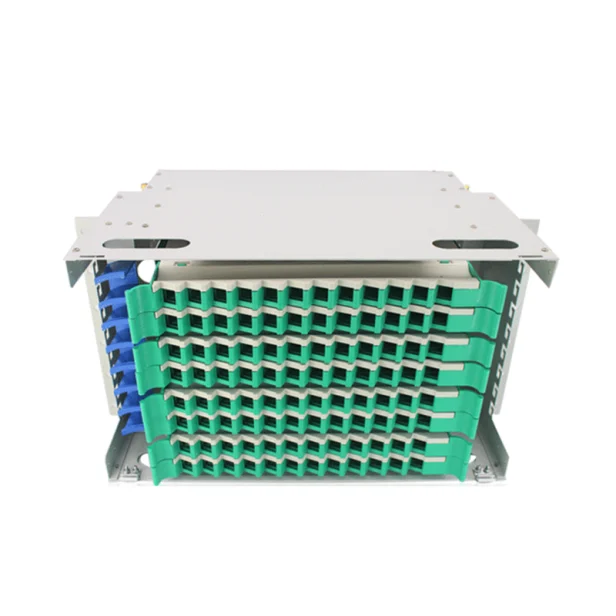
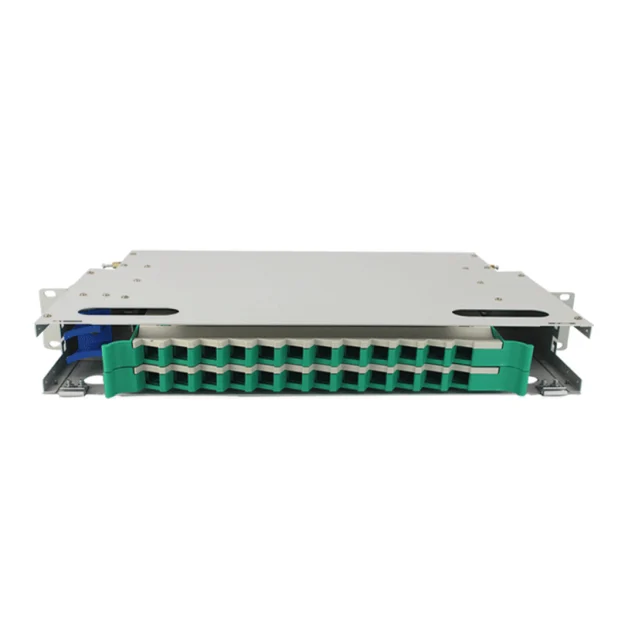
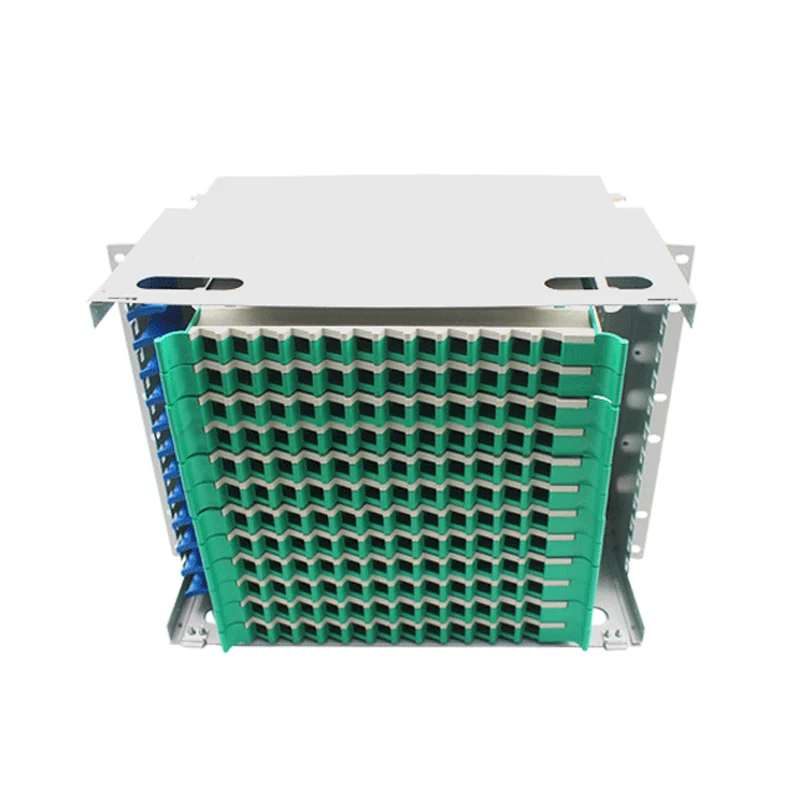
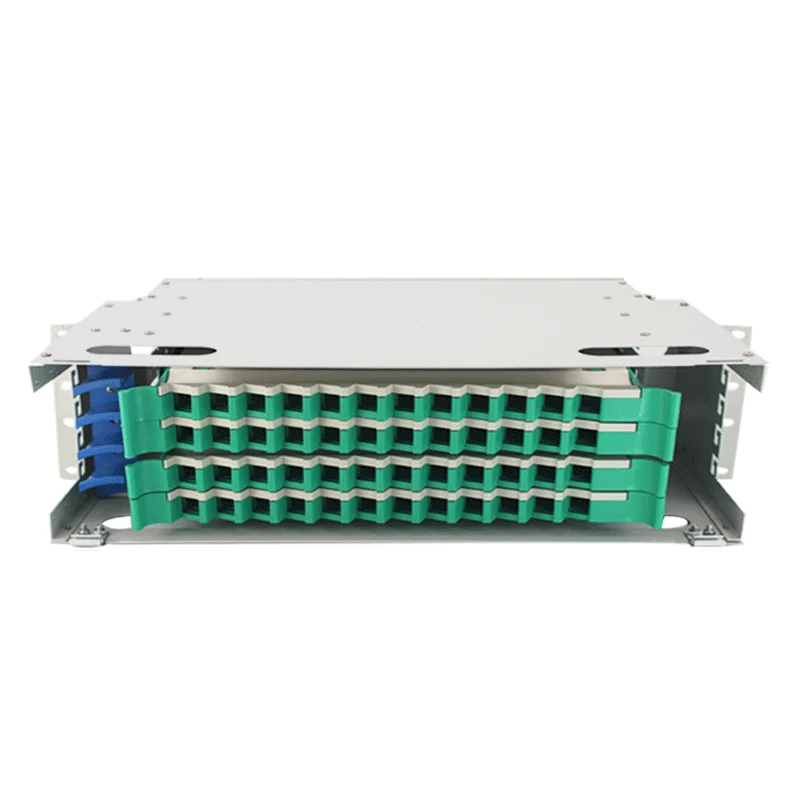
3.3 ODF (Optical Distribution Frame)
The ODF is responsible for managing fiber connections in the CO, ensuring efficient organization, termination, and protection of optical fibers. Its key functions include:
- Fiber Organization & Protection: Prevents fiber damage or excessive bending.
- Fiber Patch Management: Provides flexible connection management.
- Cable Routing: Connects OLT ports to the ODN network.
Installation:
- Rack Installation: Mount the ODF close to the OLT in the CO.
- Terminate incoming fiber patch cords from the OLT’s PON ports.
- Connect outgoing fiber patch cords to the optical splitters in the ODN.
Common Optical Distribution Frame Models
4. Optical Distribution Network (ODN)
The Optical Distribution Network (ODN) is a critical part of the FTTH (Fiber to the Home) network, serving as the bridge between the Central Office (CO) and end-users. It consists of various fiber optic components that ensure stable and efficient optical signal transmission.
4.1 ODN Equipment Connection Table
| Equipment | Function | Installation Location | Connection Method |
| OLT (optical Line Terminal) | Sends optical signals to the ODN and manages user connections | Central office (CO) | Connected via Fiber Patch Cord to ODF |
| ODF (opticalDistributionFrame) | Organizes fiberconnections andavoids cable mess | Central office (CO) | Connected viaBackbone FiberCable to the Fiber Distribution Cabinet (FDC) |
| Fiber optical Cable (Backbone Fiber) | Transmits optical signals to the ODN | Underground/Aerial Deployment | Connects ODF→Fiber Distribution Cabinet (FDC) |
| Fiber DistributionCabinet (FDC) | Aggregates and distributes fiber connections,linking to Optical Splitters | Near residentialbuildings orcommunities | Connected via FiberPatch Cord orSpliced Fiber toOptical Splitters |
| Optical Splitter | Splits 1 optical signal into multiple signals (e.g., 1:64) | Inside FDC or inSeparate splitter boxes | Output fibersconnect to FiberTermination Boxes(FTB) |
| Fiber Optic Splice Closure | Protects fiber splicing from environmental | Underground, pole-mounted,or wall-mounted | Spliced fiberconnectionsbetween Optical Splitters andTermination Boxes |
| Fiber Termination Box (FTB) | Terminates fiber and provides connection | Inside residential buildings or homes | Drop Cableconnects to |
| Drop Cable | connects the Termination Box to the ONU/ONT | Indoor/Outdoor Installation | Connects FTB→ONU/ONT |
| Fiber Optic Fast connector | Provides plug-and-play fiber termination | At ONU/ONTconnection point | Quick connectionbetween Drop Cable and ONU/ONT |
| ONU/ONT (Optical Network Unit/Terminal) | Converts opticalsignals into Ethernetfor user access | Inside the user’shome/office | Connected via FastConnector,enablingbroadband, IPTV.and VolP |
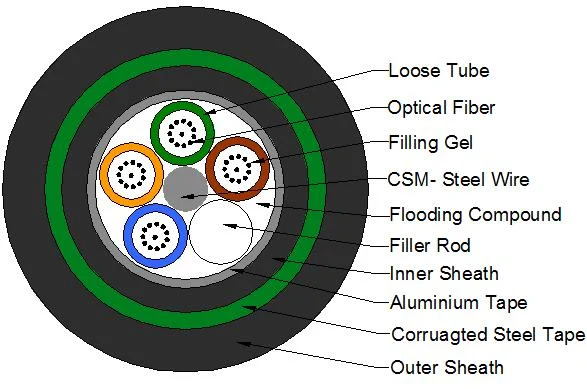
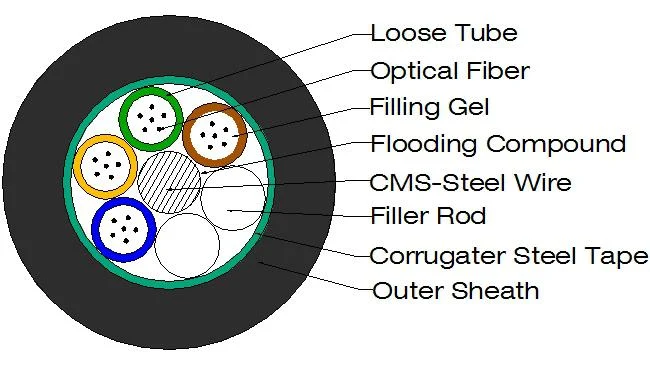
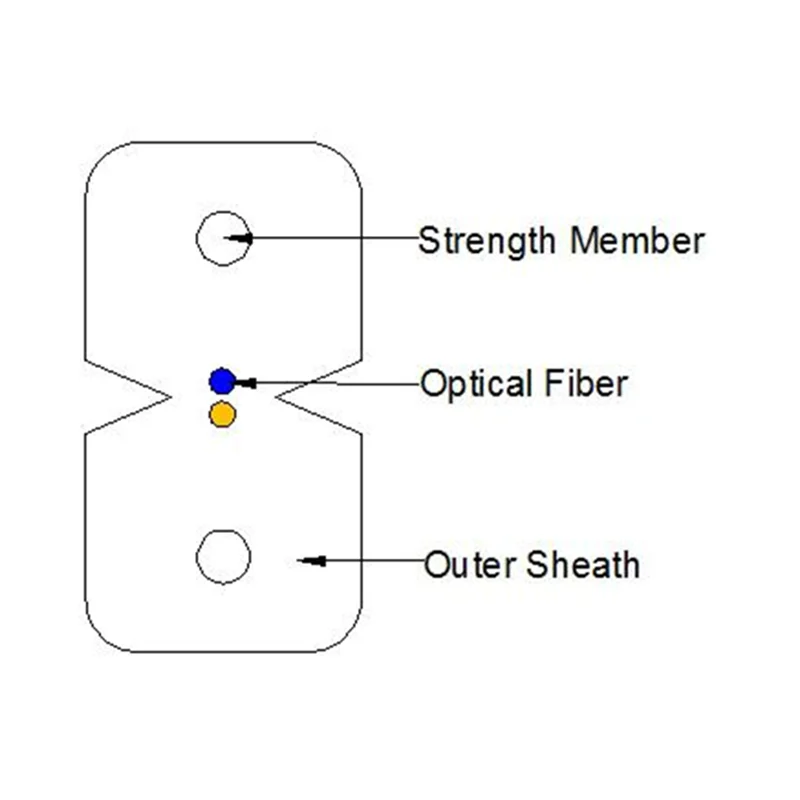
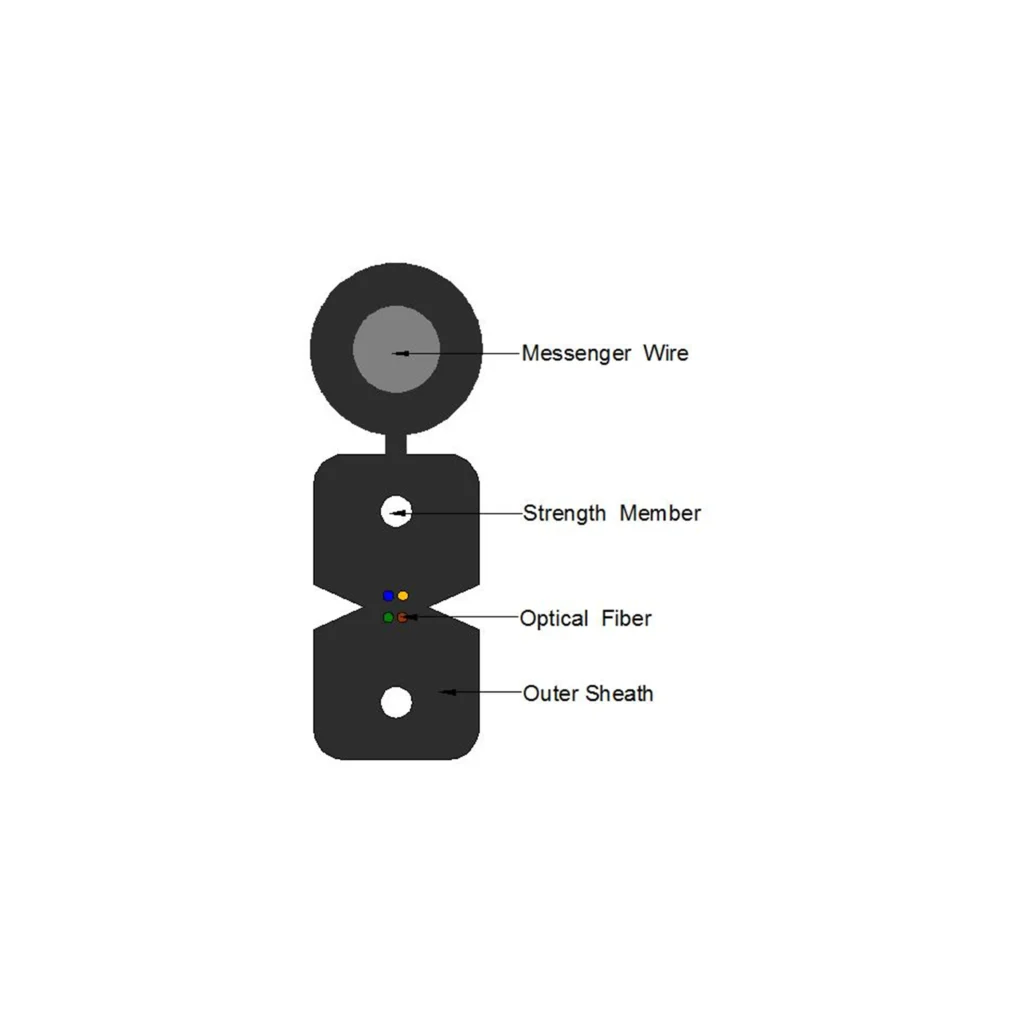
4.2 Fiber Optical Cable
Fiber Optical Cable is the backbone of the ODN, responsible for transmitting optical signals over long distances.It connects the CO OLT to the ODN and extends to customer premises.
Installation:
1.Underground or Aerial Deployment:
- Underground: Laid in conduits or direct-buried in trenches.
- Aerial: Installed on utility poles.
2.Cable Routing:
- Backbone Fiber (G.652D Single-mode fiber): From CO to Fiber Distribution Cabinet.
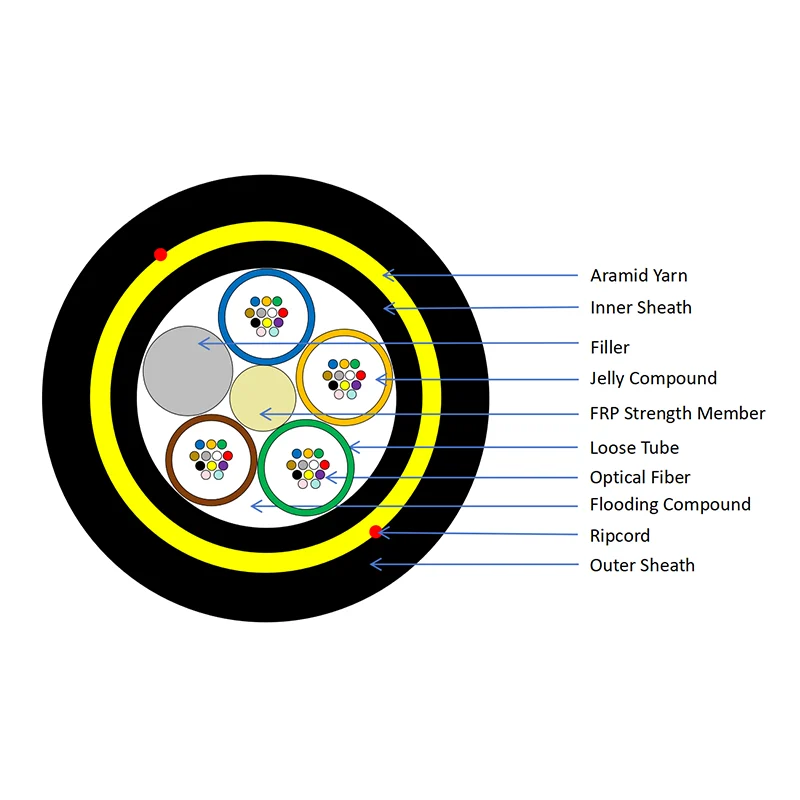
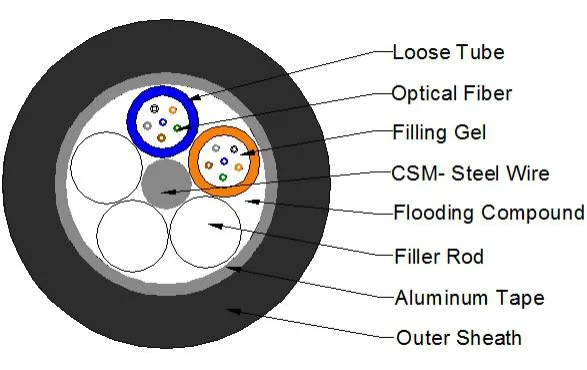
- Distribution Fiber: From Fiber Distribution Cabinet to Optical Splitters.
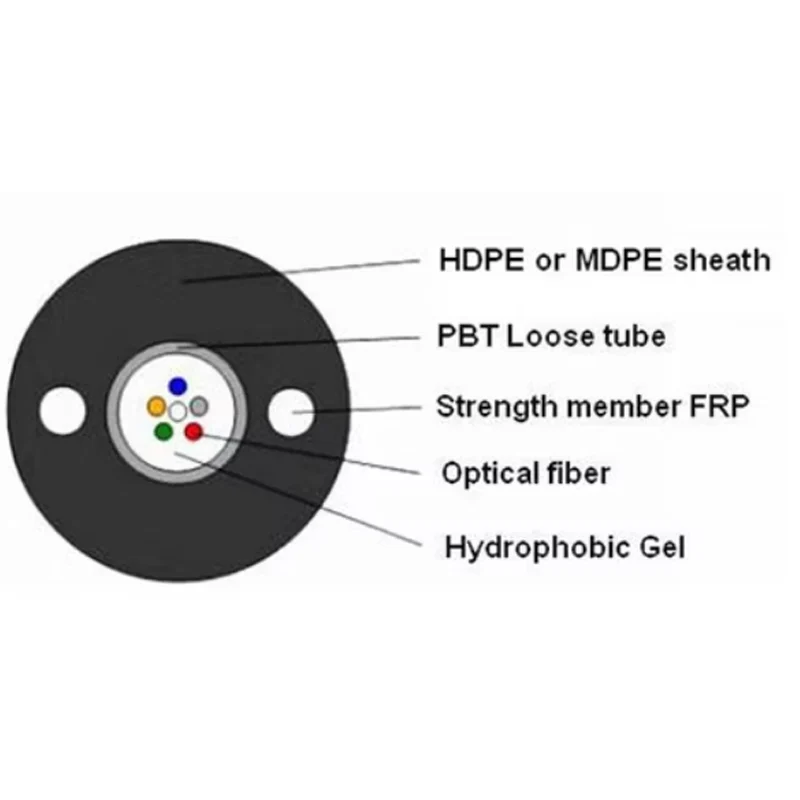
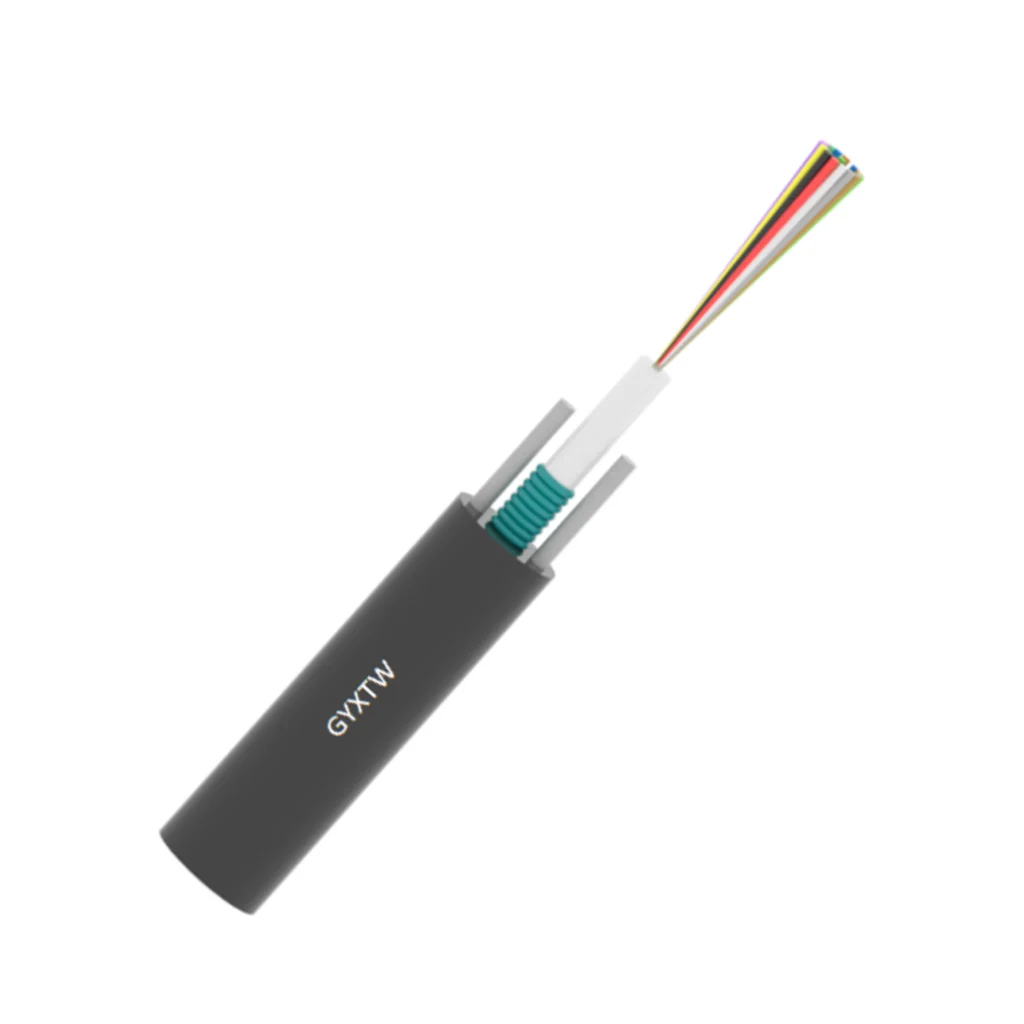
- Drop Fiber: From Optical Splitters to end-user premises.
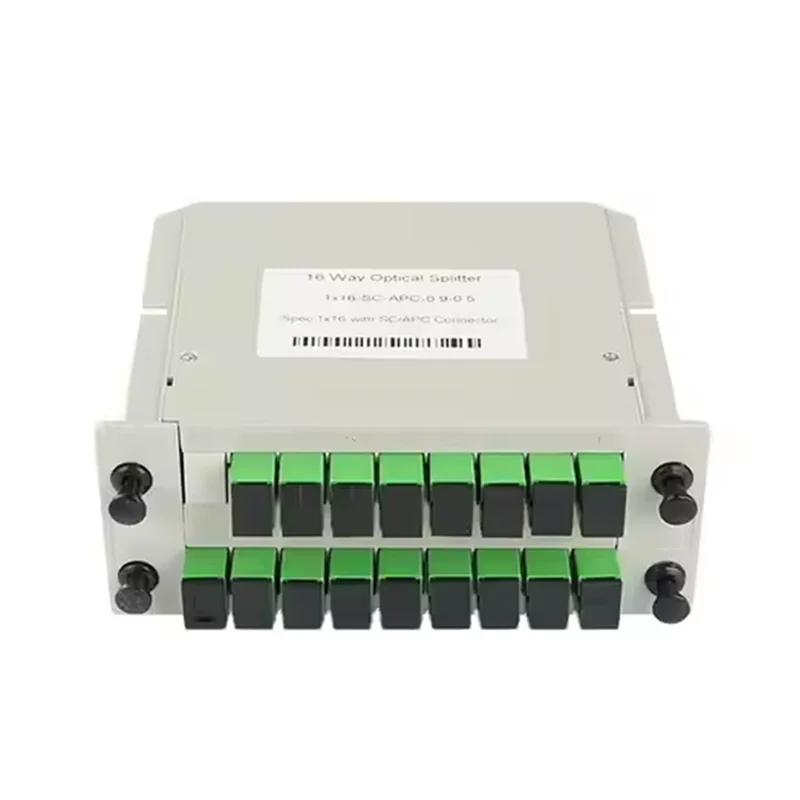
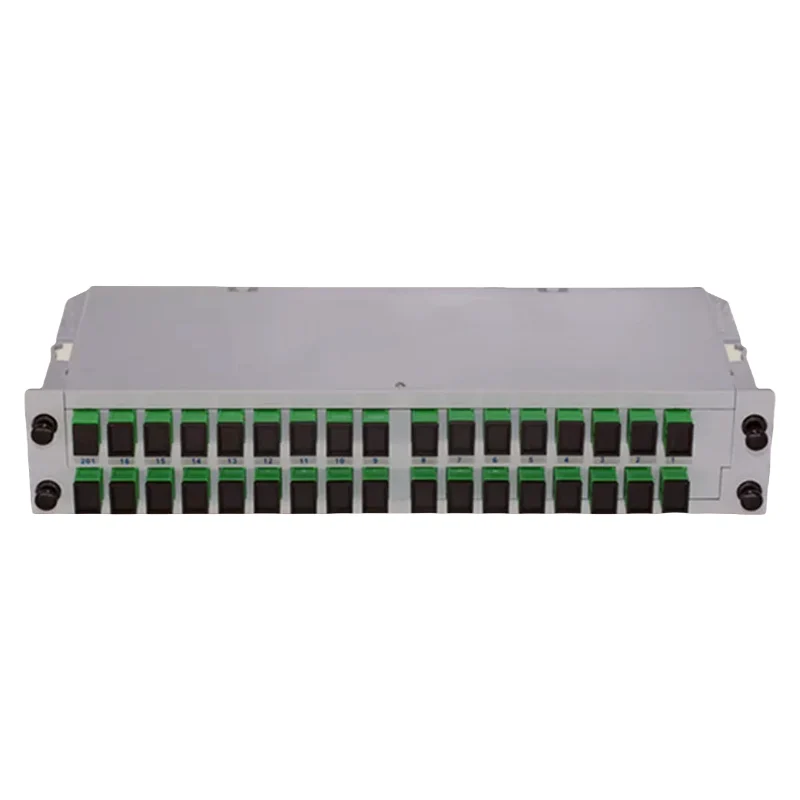
4.3 Optical Splitters
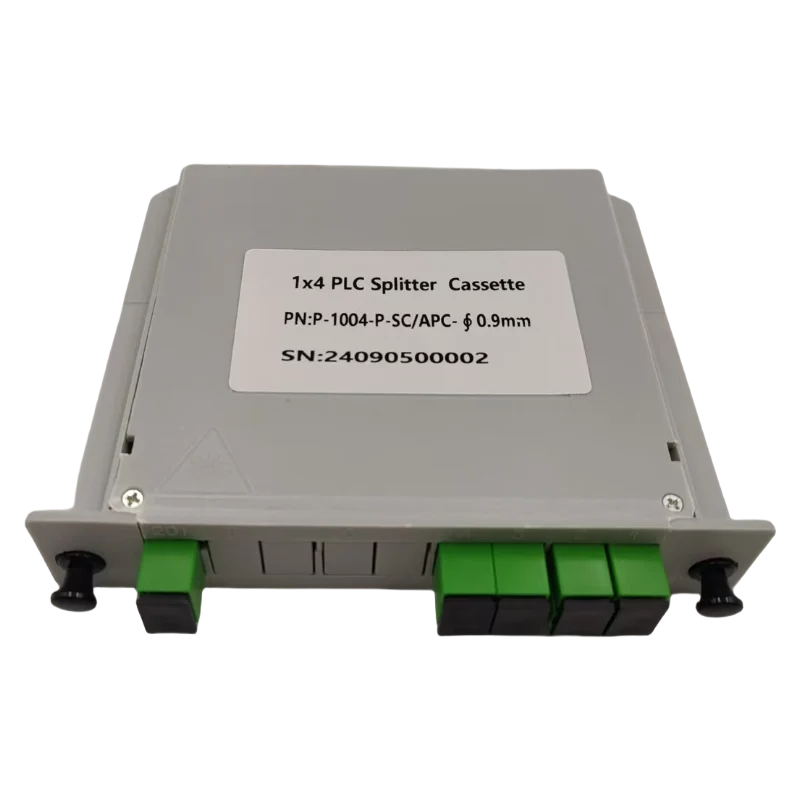
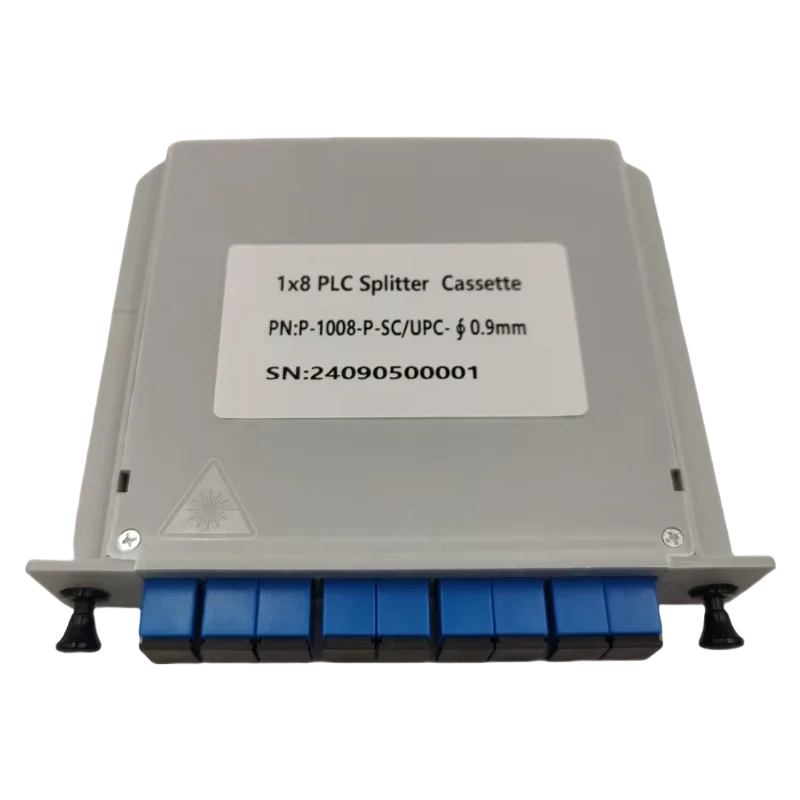
Optical Splitters is Passive optical device that divides optical signals from one fiber into multiple fibers.Supports 1:2, 1:4, 1:8, 1:16, 1:32, 1:64, and 1:128 splitting ratios.
Installation:
- Placed inside Fiber Distribution Cabinets or Fiber Termination Box boxes.
- Input fiber (from OLT) is connected to the splitter.
- Output fibers are connected to multiple Drop Cables leading to ONU/ONT.
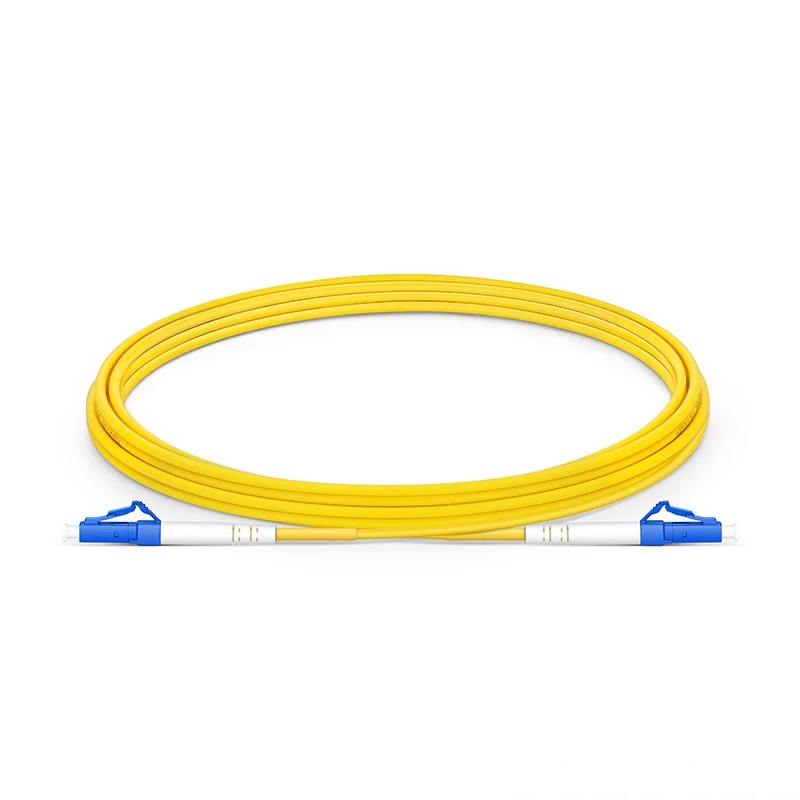
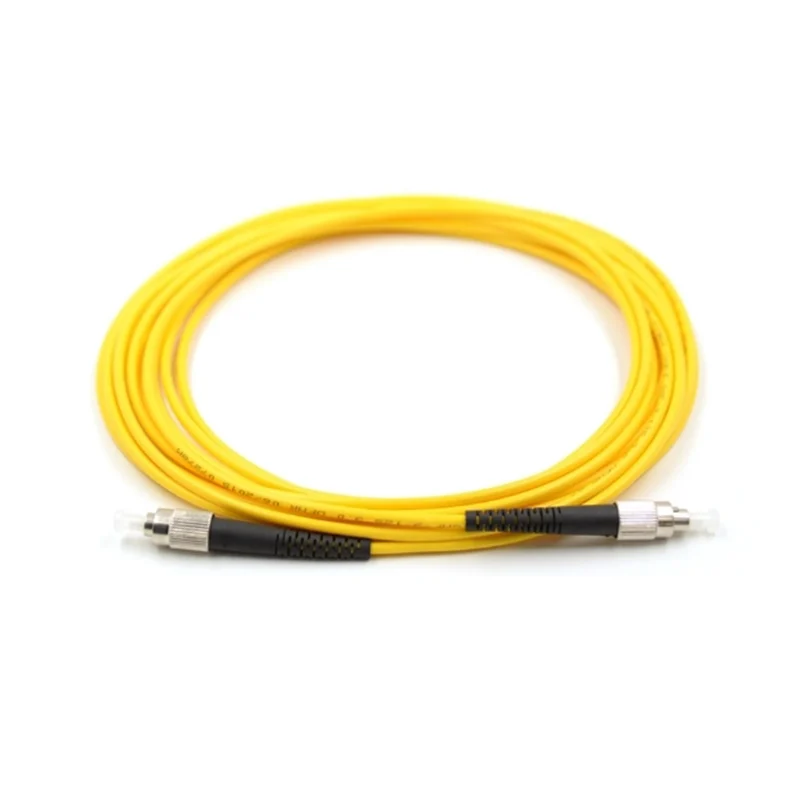
4.4 Fiber Optic Patch Cord
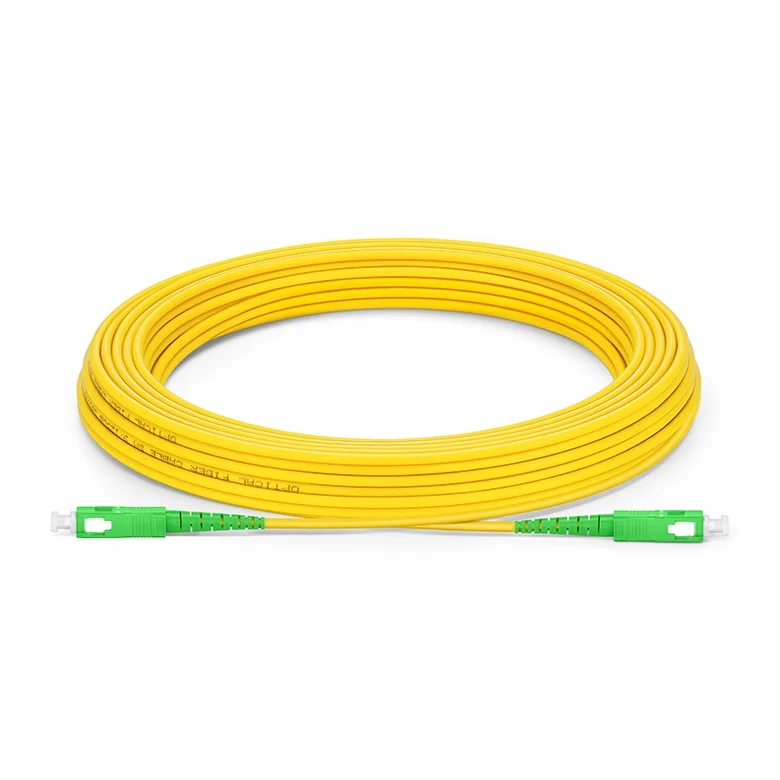
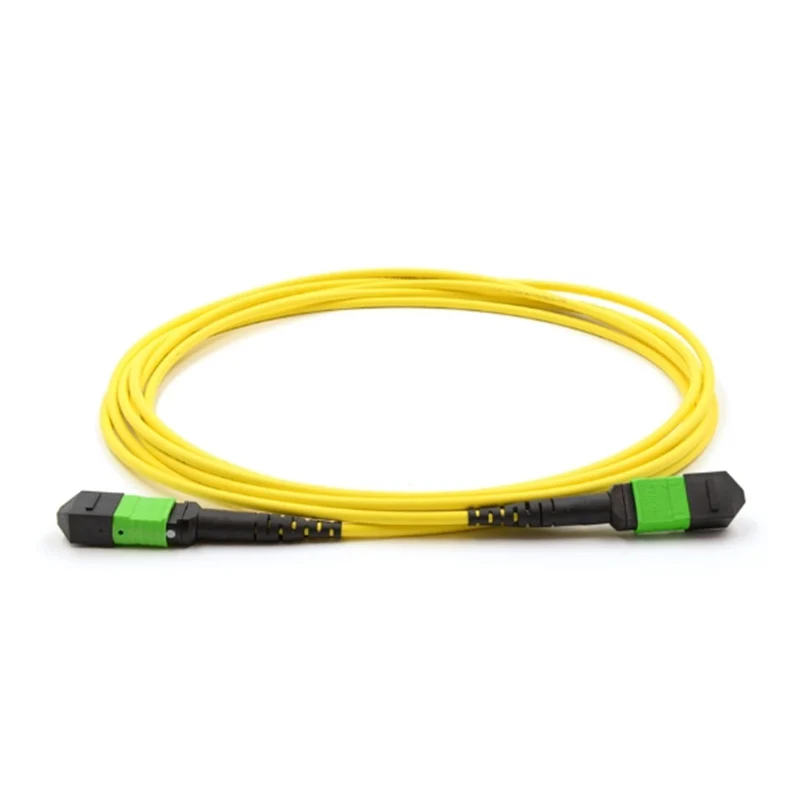
Fiber Optic Patch Cord is used for short-distance fiber connections between network components (e.g., connecting ODF to a splitter). It comes in various connector types, including SC/APC, SC/UPC, and LC/APC.
Installation:
- Plug one end into ODF or Fiber Distribution Cabinet.
- Connect the other end to Optical Splitters or Termination Boxes.
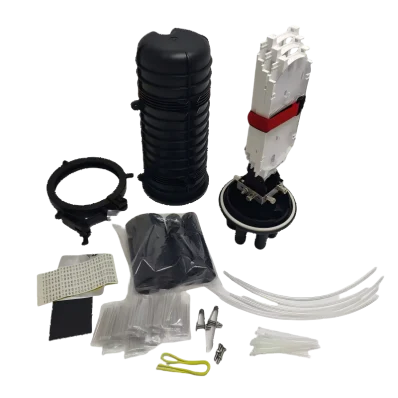
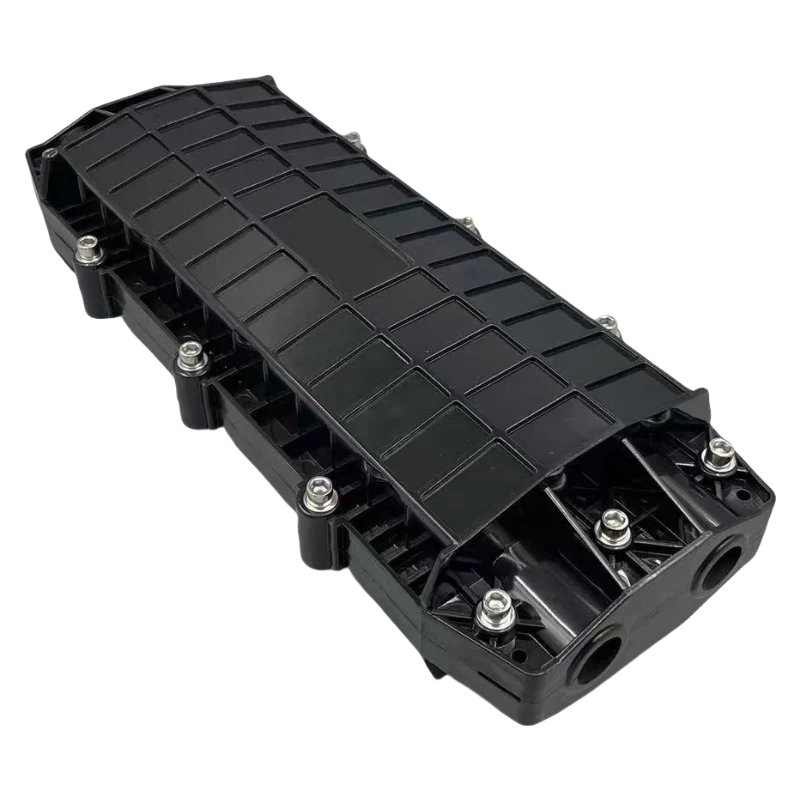
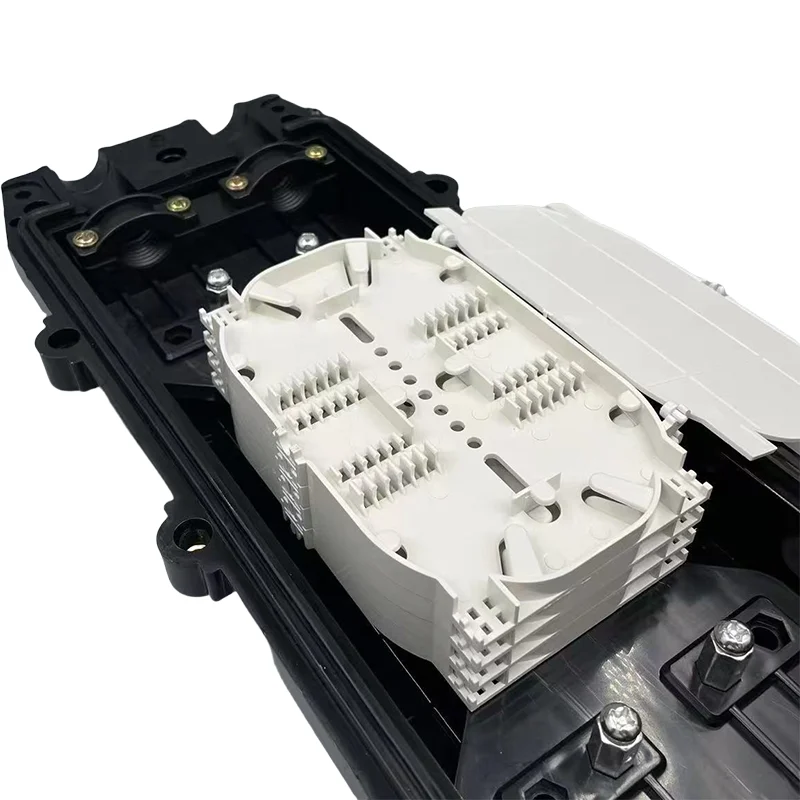
4.5 Fiber Optic Splice Closure
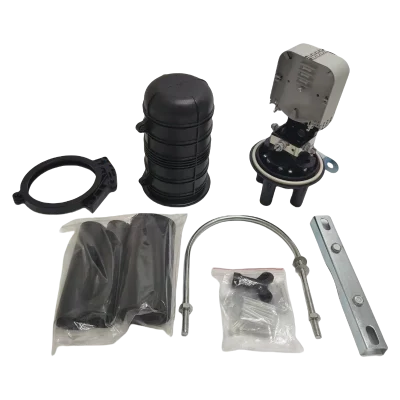
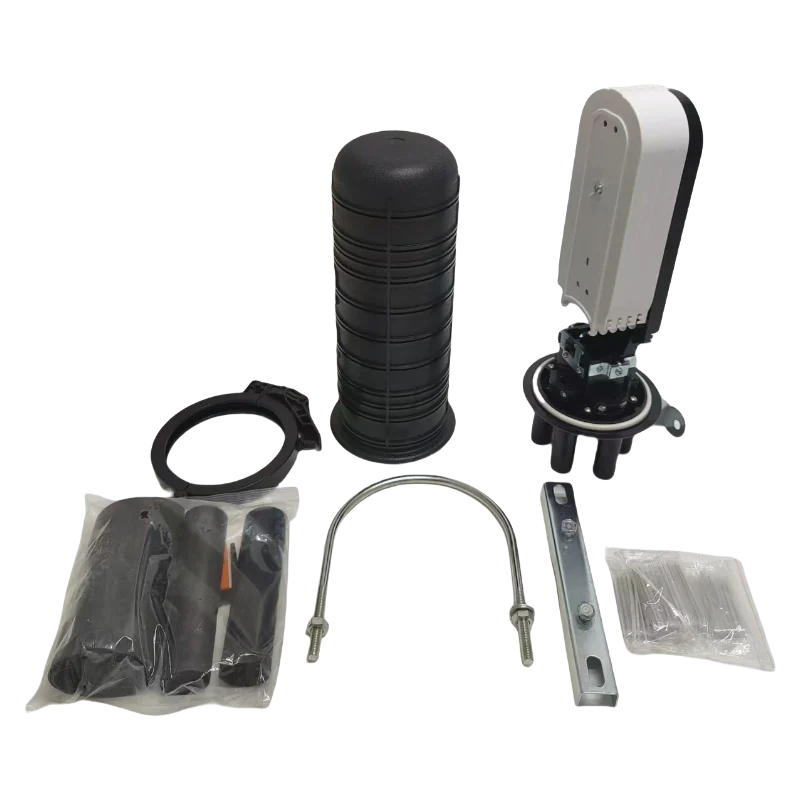
Fiber Optic Splice Closure Provides protection for fiber splicing in outdoor environments.Used in underground, pole-mounted, or aerial installations.
Installation:
- Open the splice closure and clean the fibers.
- Use a fusion splicer to splice the incoming and outgoing fibers inside the splice closure.
- Seal and mount the closure in trenches or poles.

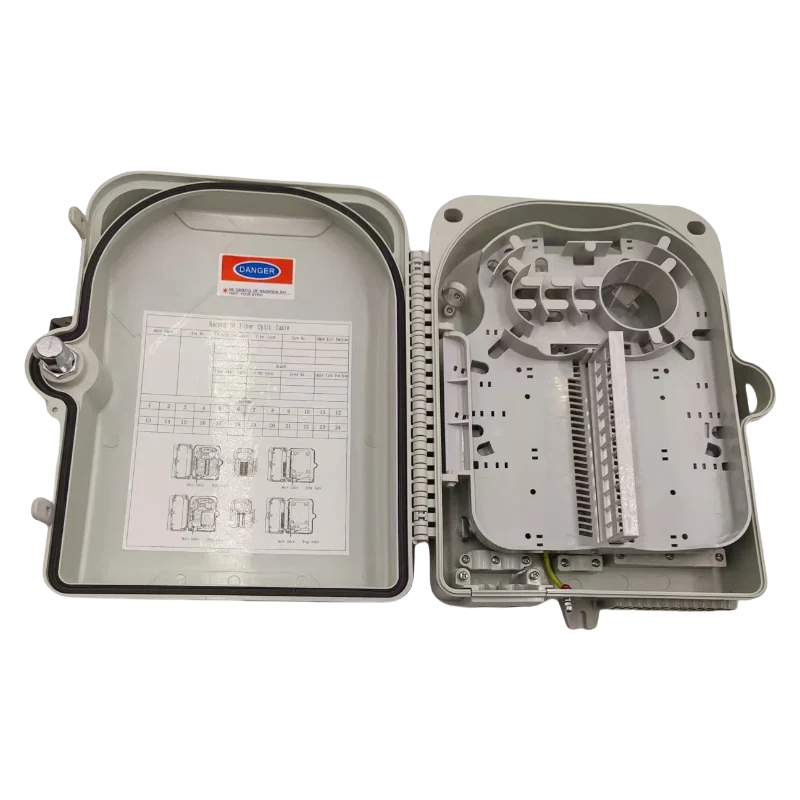
4.6 Fiber Termination Box
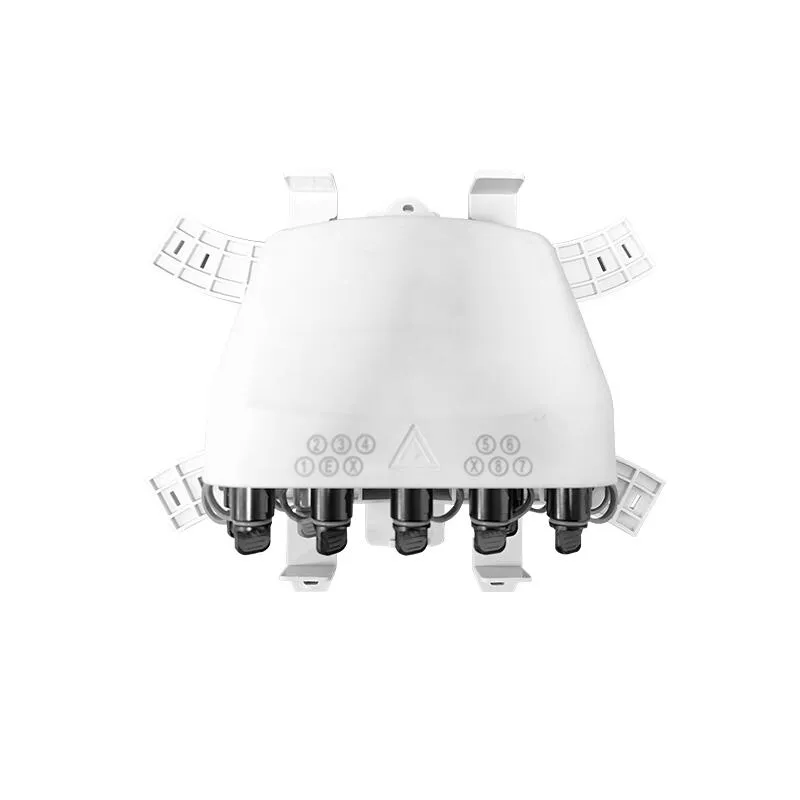
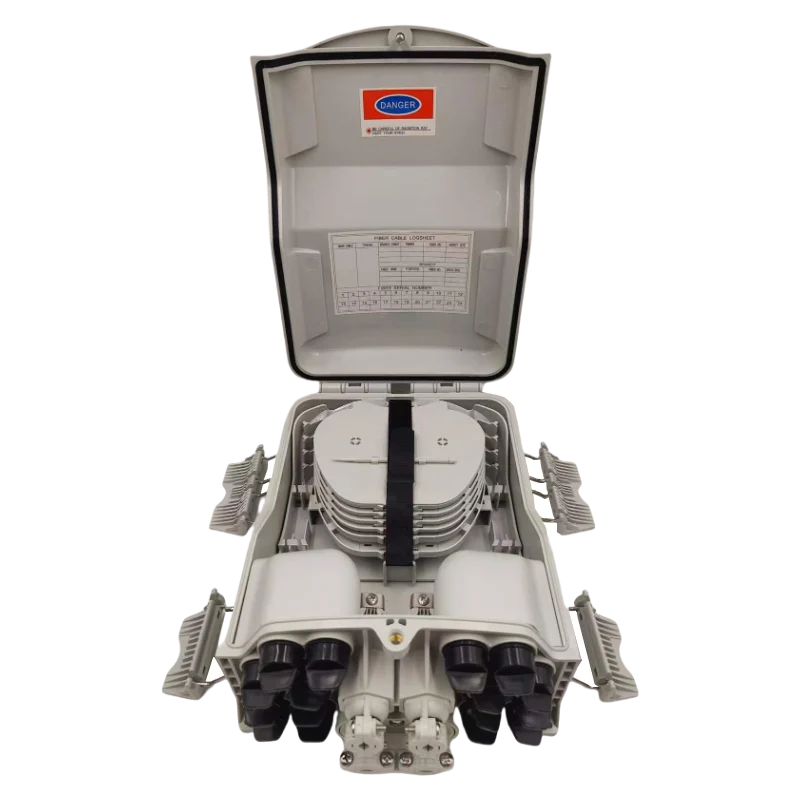
The Fiber Termination Box serves as the final connection point where the incoming optical cable for the optical splitter terminates before reaching the end user.It provides a secure enclosure for fiber distribution and splicing.
Installation:
- Wall-mounted inside buildings or apartment complexes.
- Input from Optical Splitters and output to Drop Cables.
- Includes SC/LC connectors for easy plug-and-play connection to ONU/ONT.
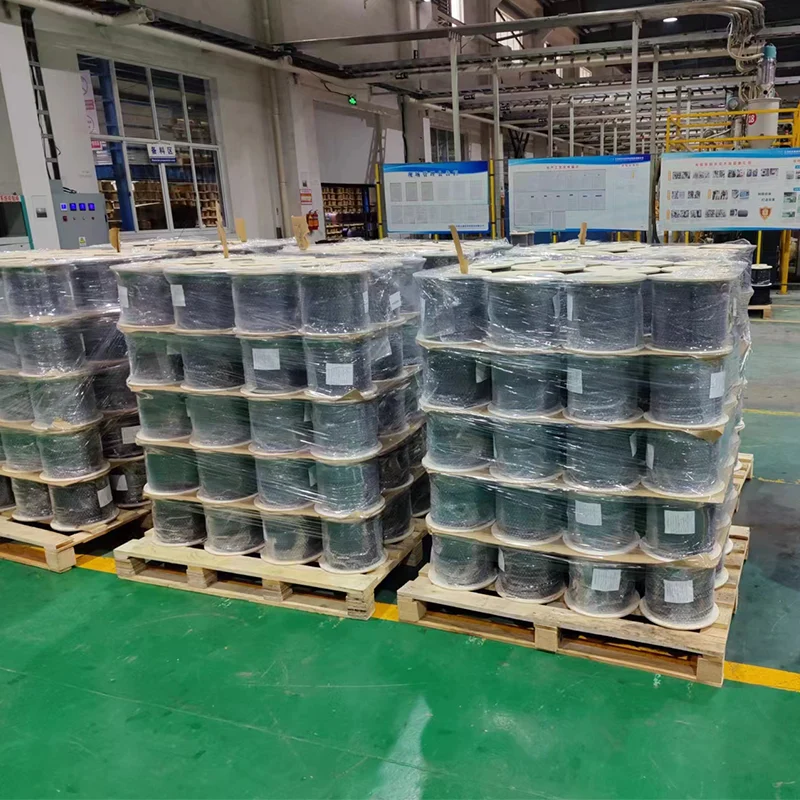
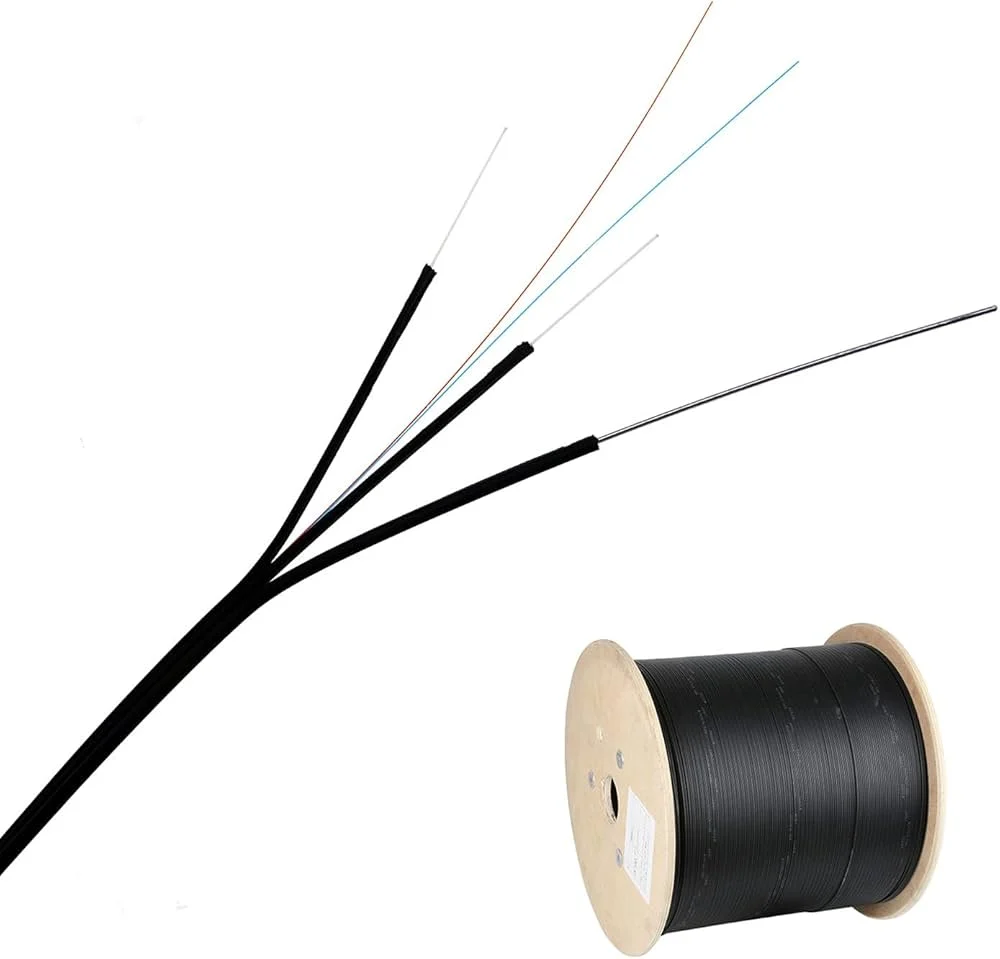
4.7 Drop Cable
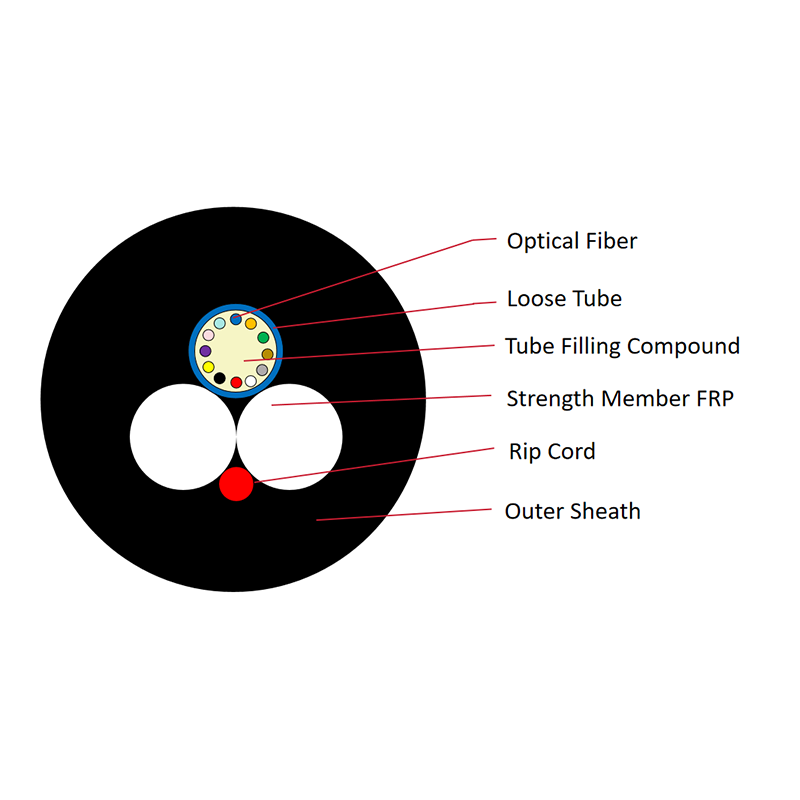
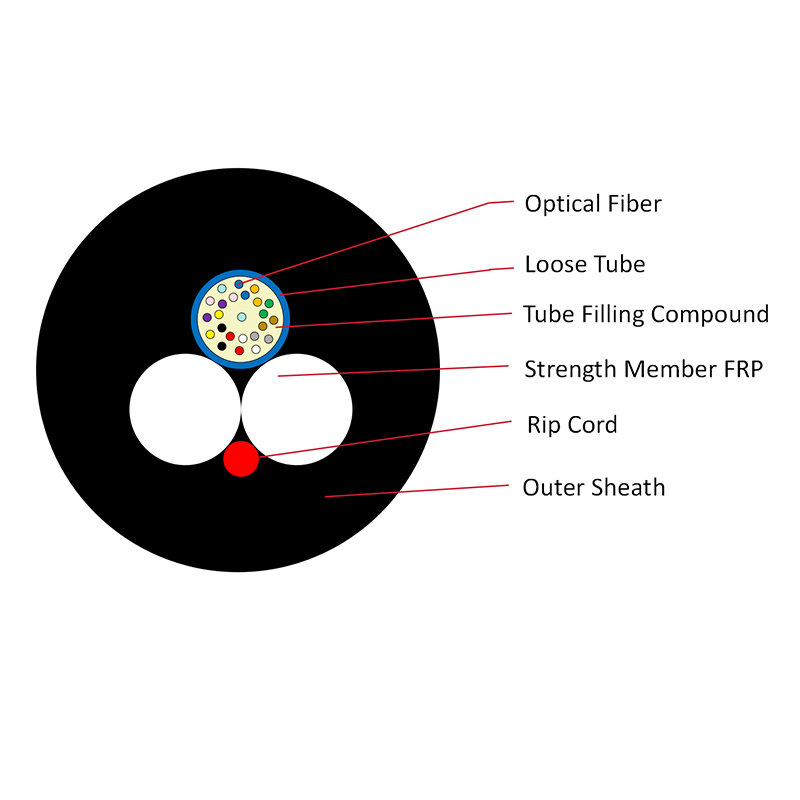
Drop Cable connects the Fiber Termination Box to the end-user ONU/ONT.It is designed for flexibility and durability in both indoor and outdoor environments.
Installation:
- Overhead, buried, or through conduit installation.
- One end connects to the Termination Box.
- The other end plugs into ONU/ONT using a Fiber Optic Fast Connector.


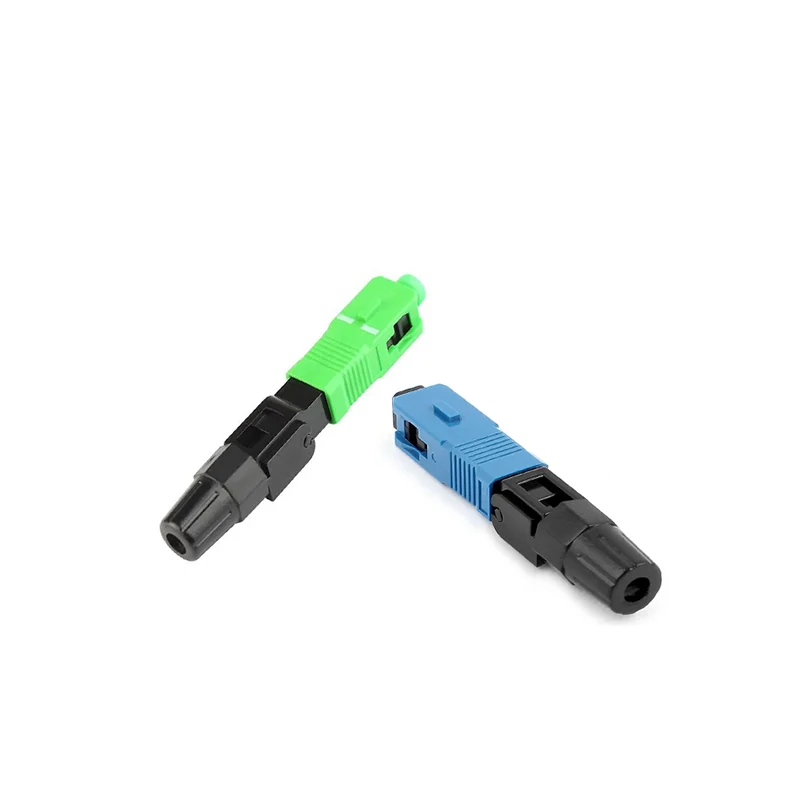
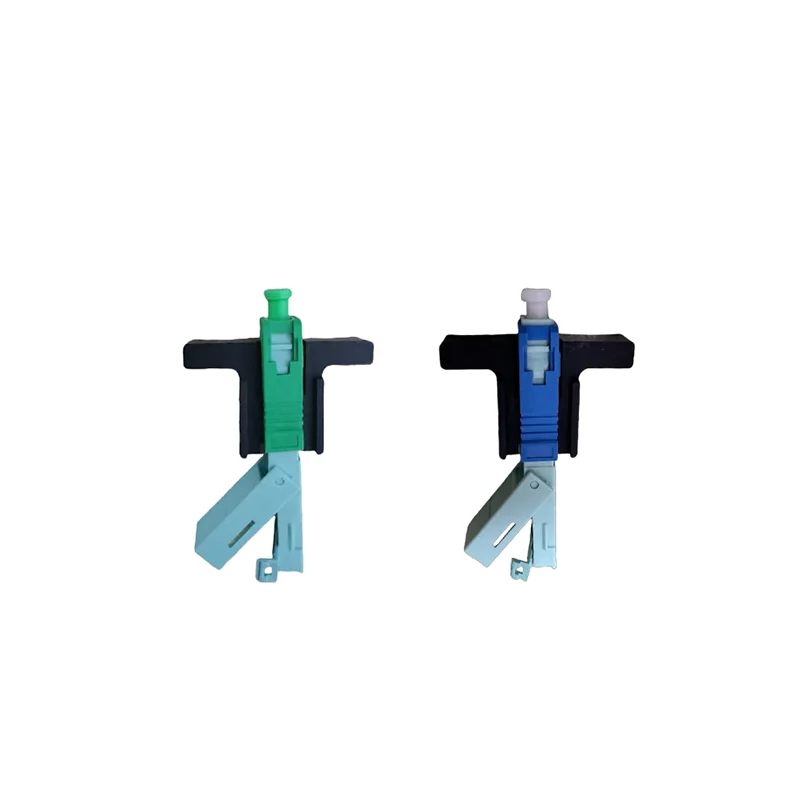
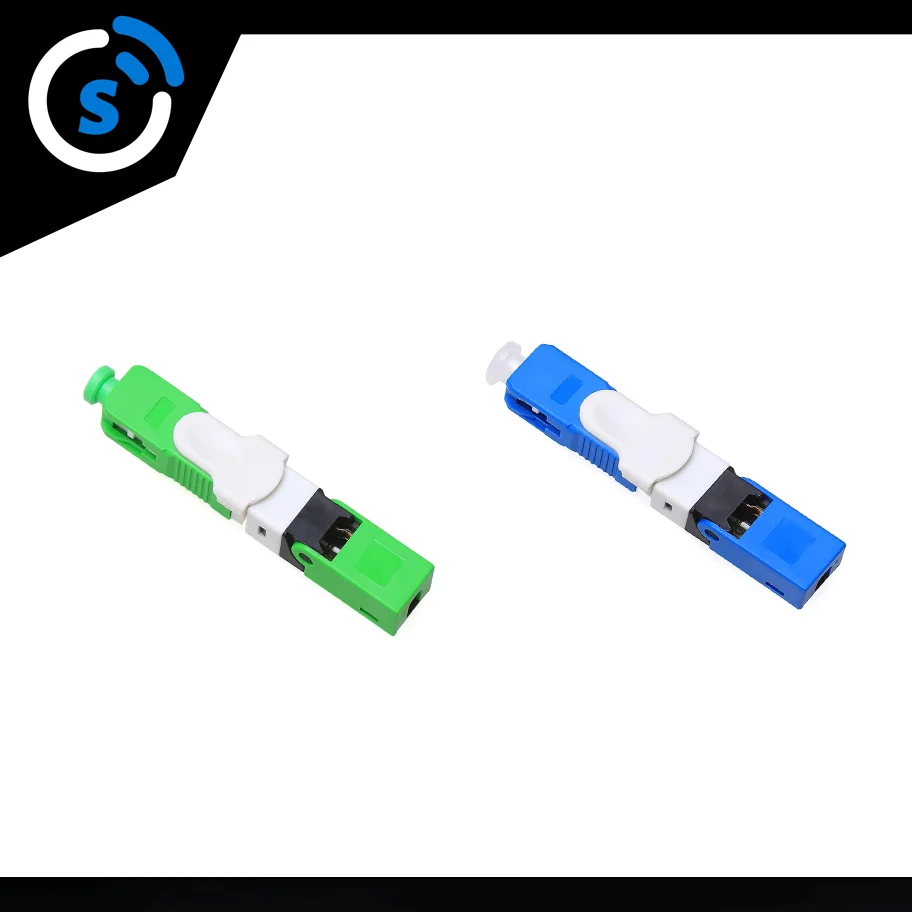
4.8 Fiber Optic Fast Connector
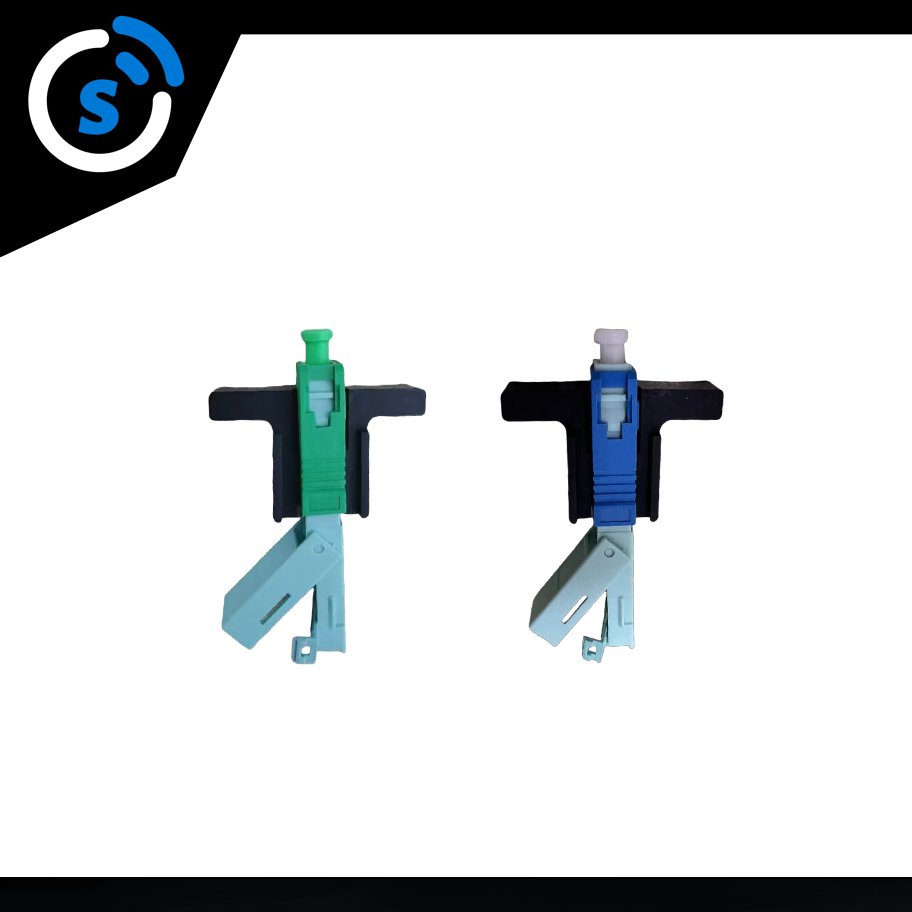
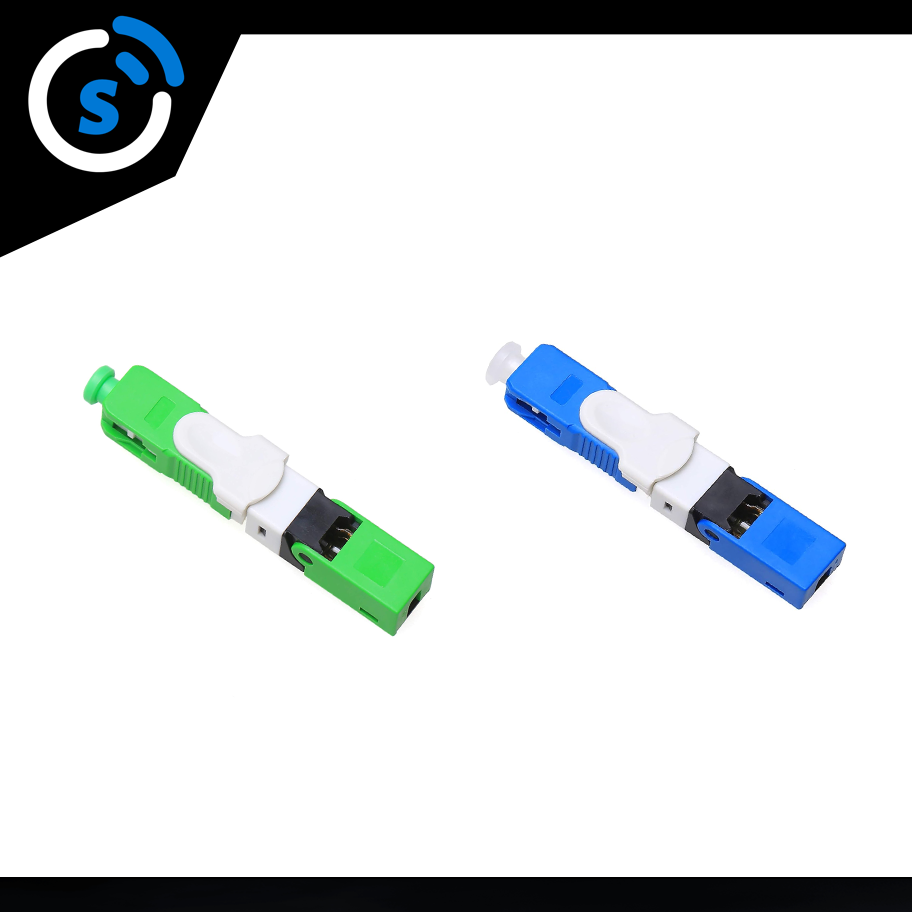
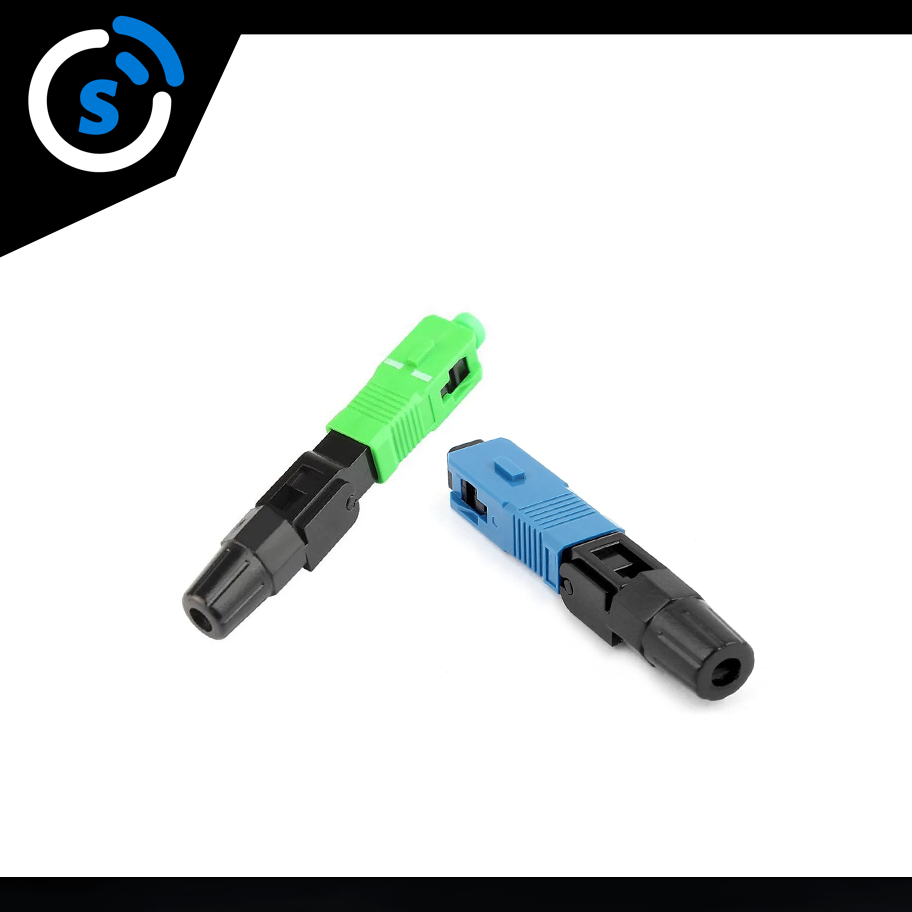
Fiber Optic Fast Connector is a field-installable connector that allows for quick termination of drop cables.No fusion splicing is required at the customer end.
Installation:
- Strip and clean the fiber.
- Insert the fiber into the pre-assembled connector.
- Lock the connector and verify the connection using an Optical Power Meter.
6. Customer Premises Equipment (ONT/ONU)
ONT/ONU devices are installed at the customer premises to convert optical signals into Ethernet, telephone, or Wi-Fi signals.
ONU/ONT Deployment Process
1. Connect the drop cable from the FAT (Fiber Access Terminal) to the ONU/ONT PON port.
2. Use RJ45 Ethernet cables to connect ONT to a Wi-Fi router for home internet.
3. If VoIP services are needed, connect the RJ11 telephone port for voice communication.
Common ONT Devices
| Brand | Model | PON Type | Interfaces | Application Scenario |
| Huawei | HG8145X6 | GPON / XGS-PON | 4x GE + WiFi6 | Home users |
| ZTE | ZXHN F680 | GPON / XGS-PON | 2x GE +2x VoIP | Business offices |